POCOPOCO JOURNAL
Check pattern corrections before you begin
When opening a knitting pattern, check its official corrections too. Compare the notice with your edition and keep a reference beside the copy you use.
About 3 minutes to read
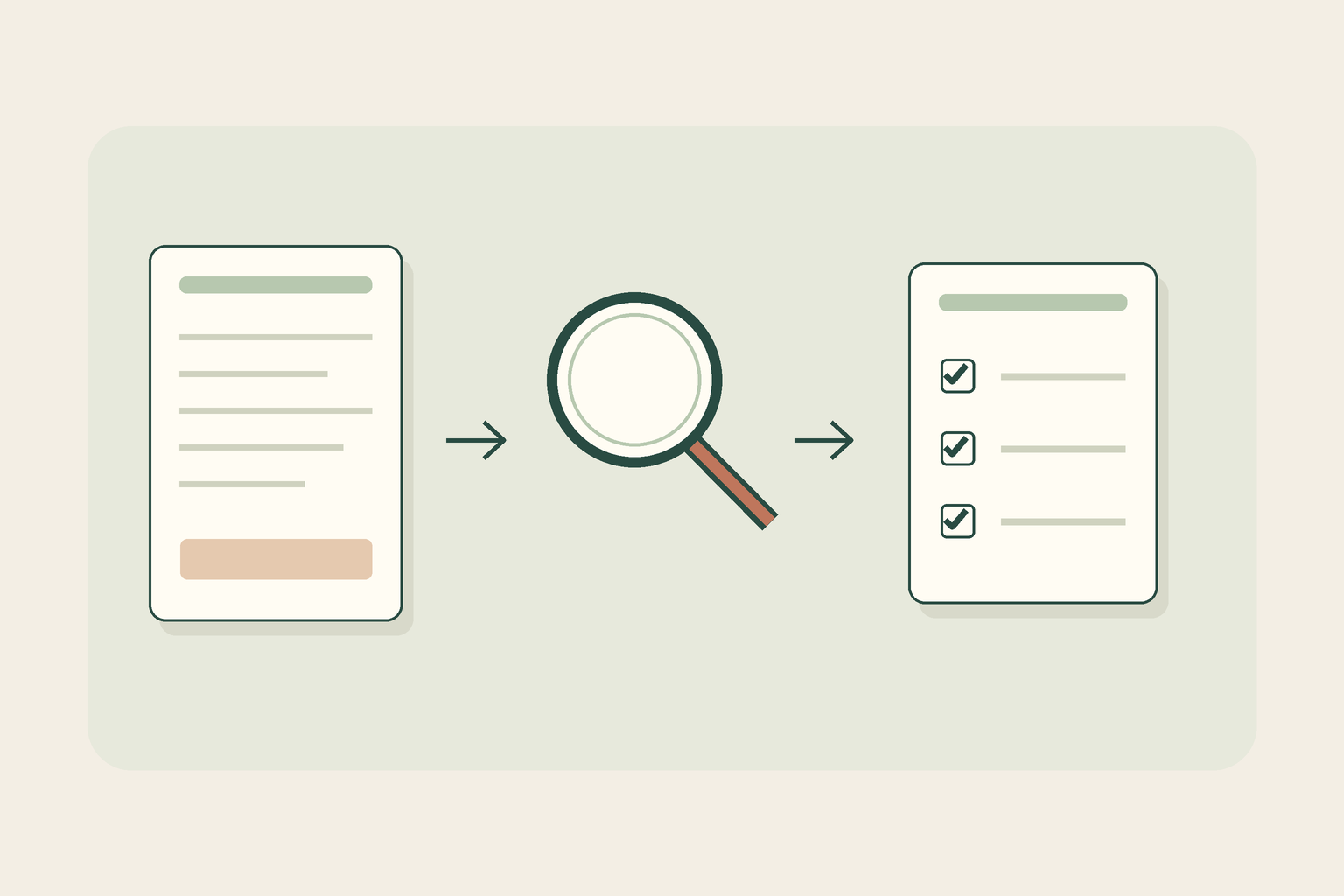
Perhaps you have a knitting PDF saved some time ago, or a knitting book you have not opened for a while. Before beginning, look for corrections from the designer or publisher. Notices of errors found after publication are often called errata. Finding a correction under the same project name does not necessarily mean it applies to your edition or chosen size. Today's exercise is about comparing official guidance with your own pattern, rather than learning how to repair the knitting itself.
Identify the pattern you actually have
Check the project name, designer and publisher or distributor on the cover or at the start. For a book or magazine, look for its title, issue and edition; for a PDF, look for a version number or stated update date. Leave unavailable details marked as unknown. Do not assume the day you saved a file is the pattern's update date. Add a name identifying the paper copy or file you will use. If another edition uses different yarn or construction, compare its formal identifying details rather than assuming similar appearance means identical instructions.
Find the designer's or publisher's official guidance
Start with the original project page or publisher's website and look for corrections, errata or pattern corrections. Rowan, for example, has an official index that identifies patterns and their publications. Open the notice itself instead of relying only on a short search-result excerpt, and check both the project name and who published the notice. Social posts and other knitters' modifications may offer ideas, but do not automatically treat them as official corrections. If you obtain the pattern again, follow the instructions from its legitimate source.
Match the correction's scope to your edition
Read beyond the notice's date. Check the stated edition, sizes, page, section or row it covers. Purl Foundry's errata page includes examples distinguishing purchase dates, versions and affected sizes. Do not extend one publisher's conditions to another publisher. A newer PDF might already contain the change. Compare the original wording, the correction and the surrounding explanation to establish whether the change is already present or still needs to be applied. If you cannot establish the correspondence, ask the designer or publisher rather than changing numbers or techniques by guesswork.
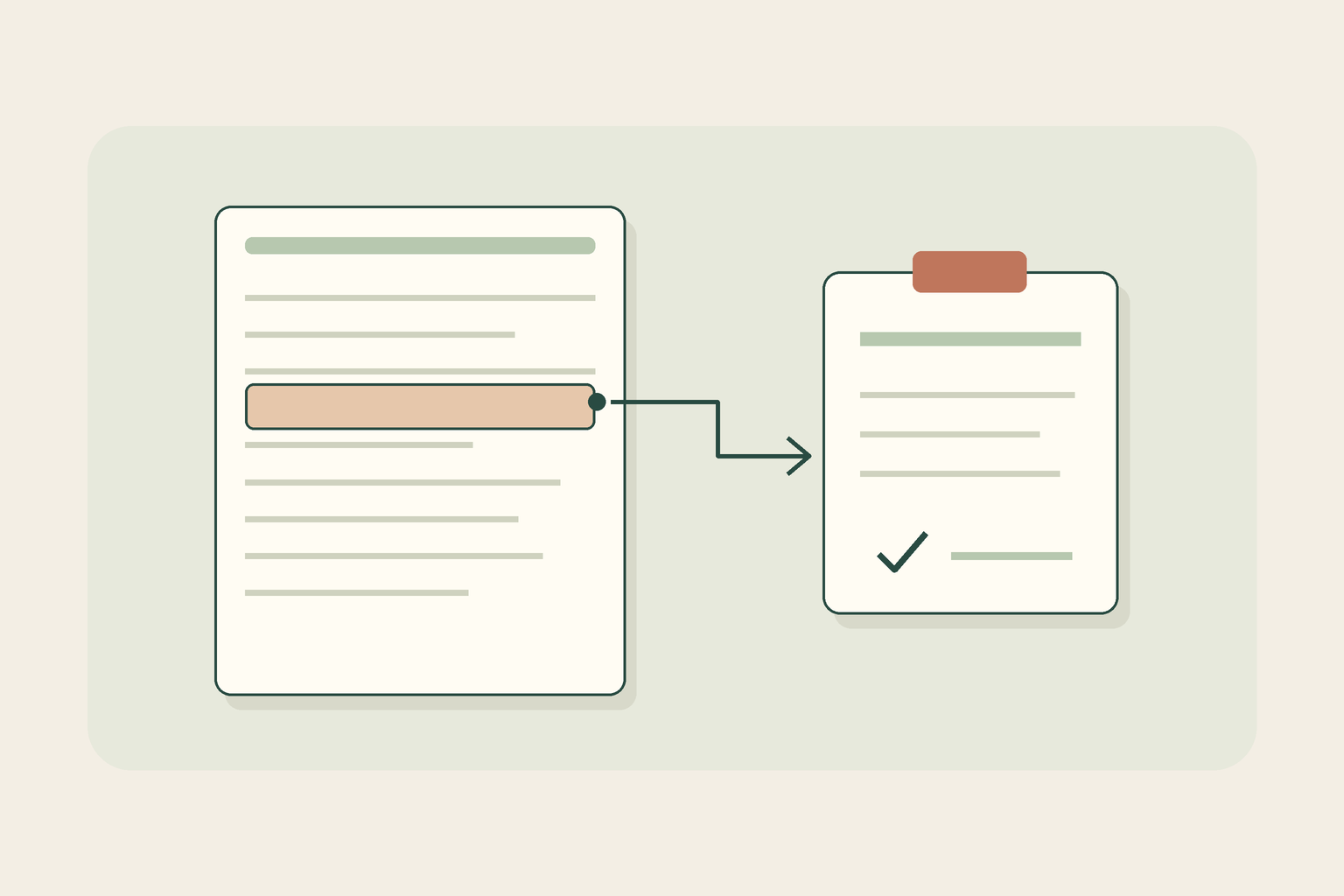
Original explanatory diagram by PocoPoco. This invented note illustrates linking a reference to a location; it does not show actual corrections, knitting instructions or verified results. Keep a reference you can return to
After matching the notice, mark the relevant location on the copy you use and note the correction page's URL, the date you checked and the affected passage. Distinguish your check date from the date the designer published the correction. If needed, obtain an official updated copy and make clear which file you will follow. Avoid mixing old notes with another edition, or separating numbers from their instructions. Finding no correction does not prove a pattern is error-free. For an unresolved question, keep the project name, edition and exact location together so you can ask through the official support channel.